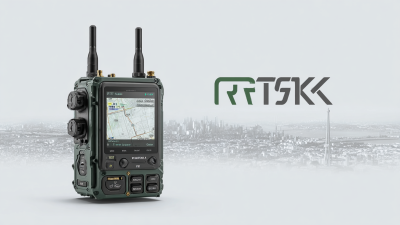
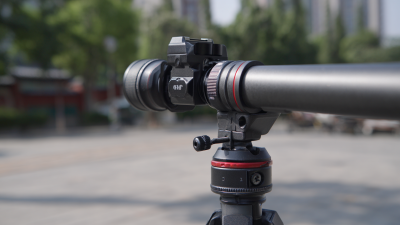
Hey there! If you're into geospatial surveying—especially with how quickly things are changing—you’ll know how crucial it is to get that Tilt Rtk Gps setup just right. At Shanghai Apekstool (or APEKS, if you prefer), we’re passionate about providing top-notch GNSS/GPS gear that really fits what our customers need. Think of this as your go-to guide—step by step—on how to get your Tilt RTK GPS up and running smoothly. Whether you’re a seasoned pro or just starting out, understanding how to set up this tech will honestly make your surveys way more accurate and reliable. So, stick with us as we share some key tips and tricks—stuff that’ll seriously boost your surveying game and take your skills to the next level.
Understanding the Basics of Tilt RTK GPS Technology
Tilt RTK GPS technology is honestly a game-changer when it comes to super accurate positioning, especially if you're into farming, construction, or surveying. Basically, RTK—short for Real-Time Kinematic—GPS works by using a network of fixed base stations that send precise location info to your mobile units. The result? We’re talking about centimeter-level accuracy, which is pretty incredible. This kind of precision comes from corrections that offset issues like atmospheric disturbances and satellite errors, so users can really count on real-time data to make important decisions without second-guessing.
Getting the hang of Tilt RTK GPS means understanding how it operates. The 'Tilt' part is all about maintaining accurate positioning even if your receiver isn’t perfectly level — which is super useful if you’re dealing with uneven terrain or equipment that doesn’t sit perfectly flat. By including tilt sensors, operators can still get precise readings even with a slight tilt, which helps boost efficiency and cuts down on mistakes in the field. As more industries jump on this tech bandwagon, knowing how to set it up and how it works will definitely become a valuable skill for anyone wanting to make the most out of modern GPS systems.
Common Issues Encountered During Tilt RTK GPS Setup
Setting up a Tilt RTK GPS can really boost your accuracy and precision when you're doing geospatial surveying. But, honestly, it’s not always a smooth ride—there are some common bumps in the road. You might run into issues like weak satellite signals, confusing setup configs, or trouble keeping a stable connection between devices. Sometimes, you’ll notice readings drifting or being a bit off—that’s often due to environmental factors or hardware quirks. Getting familiar with these typical problems can really help you troubleshoot faster and get your system running at its best.
Here at Shanghai Apekstool (APEKS), we totally get how important it is to have a hassle-free setup process. With our know-how in GNSS/GPS tech and surveying gear, we’re in a great position to support professionals through every step of setting up their Tilt RTK GPS. We focus on tackling those common issues and offering tailored solutions, which means a smoother experience for our clients and better results for their projects. We’re all about pushing the envelope with innovative geospatial tools so you can always count on top-notch accuracy and efficiency in your surveying work.
Step-by-Step Troubleshooting for Tilt RTK GPS Problems
When you're setting up your Tilt RTK GPS systems, you'll probably run into some bumps along the way—that's totally normal. Knowing how to spot and troubleshoot common issues can really make a difference and keep your surveying on track. For example, if your base station just isn’t connecting, double-check that the power supply is steady and make sure your communication settings match up with those on your rover units. Also, keep an eye out for any nearby structures or natural obstacles—they can mess with your signal quality more than you might think.
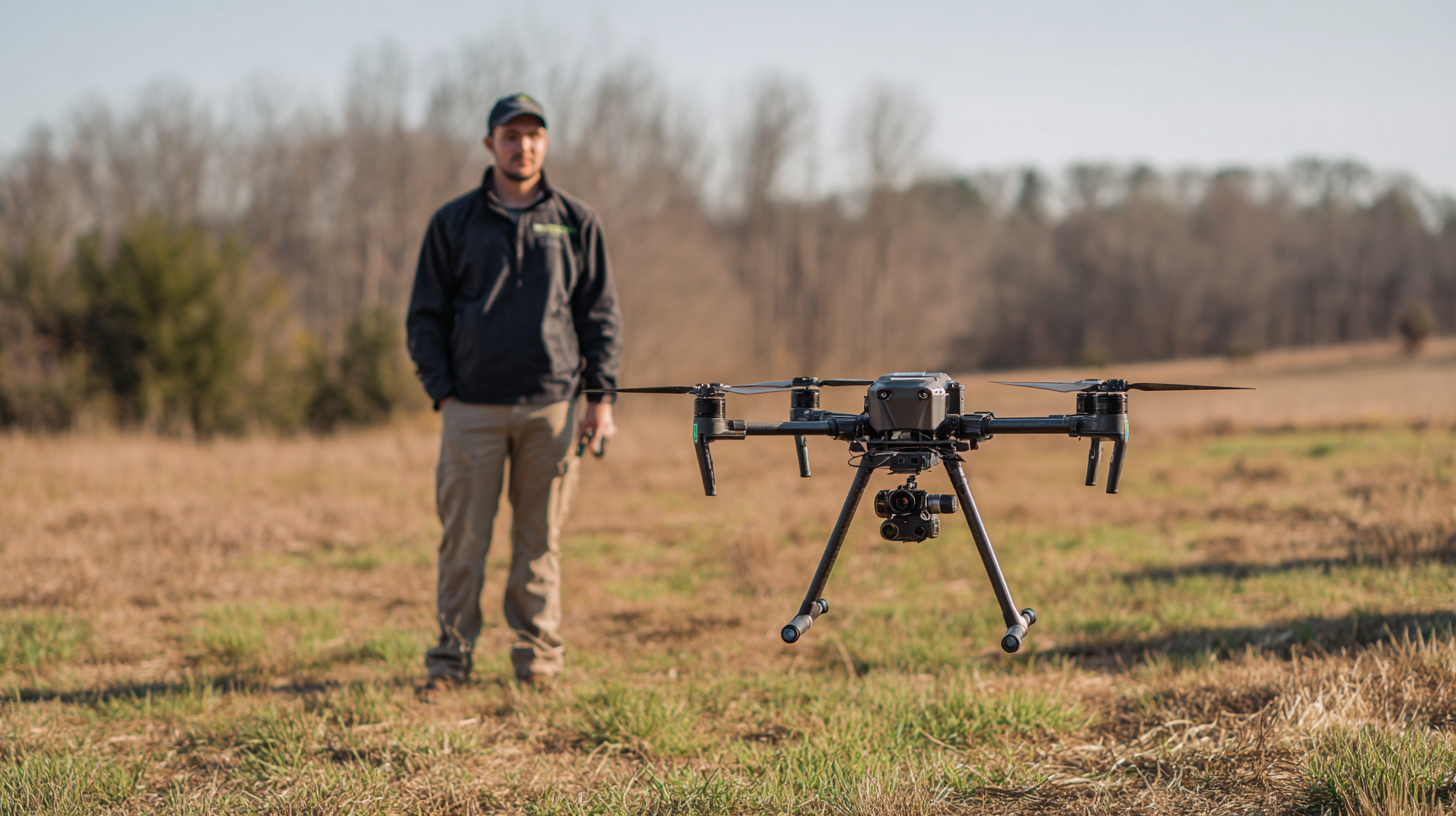
Another snag people often face is receiving inconsistent data. Make sure your antenna’s properly positioned, and consider the weather conditions—they can have a surprising effect on your results. Regular calibration helps too; checking your system now and then can prevent measurement discrepancies down the line. Knowing the ins and outs of your Tilt RTK GPS setup, along with routine maintenance, isn’t just about boosting accuracy—it can also extend the life of your gear, saving you headaches and money in the long run.
At Shanghai Apekstool (APEKS), we’re all about supporting you with expert advice and innovative solutions for your geospatial surveying needs. Whether it’s GNSS/GPS systems or accessories, we’ve got the know-how to help you sort out issues quickly and keep things running smoothly. Our goal is to make sure you’re confident with your equipment so you can nail your projects and get the precise results you’re aiming for—every single time.
Best Practices to Avoid Problems with Tilt RTK GPS
When you're setting up your Tilt RTK GPS system, it really helps to understand some best practices—trust me, it can make a big difference in how accurate and easy everything is to use. First off, calibration is super important. Before you fire things up, double-check that all your gear, like the base station and rover, are perfectly level and connected properly. If they’re off even a little, you might end up with really skewed positioning data. So, take your time to go over each step and make sure everything’s set up correctly—that little extra effort pays off.
A common headache for folks using RTK is signal interference, which can throw off your readings. To avoid that, try to pick a spot for your base station that’s clear of big obstructions like buildings or trees—anything that might block those satellite signals. Also, keeping your frequency settings steady really helps keep the connection stable. And don’t forget to keep an eye on the environment; if conditions change, adjusting your setup accordingly can make your data way more reliable. Overall, these little tips can really help ensure your survey or farm project goes smoothly without frustrating surprises.
Integrating Tilt RTK GPS with Other Surveying Technologies
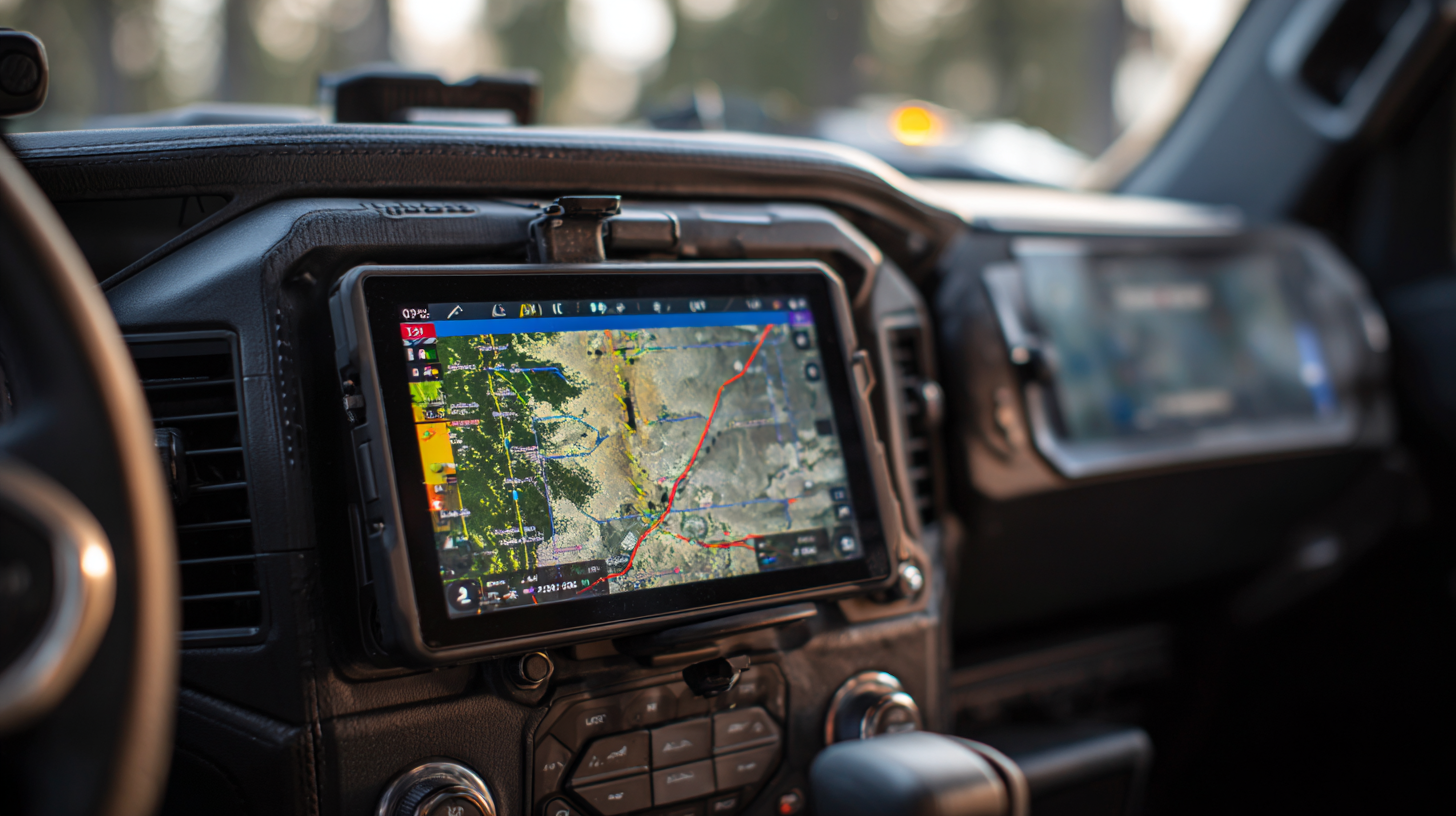
Mixing Tilt RTK GPS with other survey tools can really up your game when it comes to getting precise and efficient data. Honestly, combining it with stuff like Total Stations or Gnss Receivers can lead to some pretty great results. What’s cool about Tilt RTK GPS is that it processes data in real-time and provides corrections on the fly, so your positioning gets more accurate. When you pair it with other tech, like laser scanners or photogrammetry, you get a full picture that’s often crucial for more complicated surveying jobs.
A quick tip—make sure all your devices are properly calibrated and synced before you start. It might sound basic, but it really helps avoid data mismatches and keeps your workflow smooth. And, if you can, use software that pulls together data from different sources. That way, managing and analyzing everything becomes way easier.
Lastly, investing in training your team is super important. When everyone knows how to effectively use Tilt RTK GPS alongside other tech, mistakes drop, and you get better results. Regular workshops or training sessions can keep everyone up to speed with the latest tools and techniques, making your entire surveying process more seamless.
User Experiences: Lessons Learned from Tilt RTK GPS Setup Challenges
Setting up a Tilt RTK GPS system can actually be quite the adventure—challenging at times, but totally worth the effort, as many folks who've been through it can vouch for. One of the biggest headaches? Getting everything configured just right, both on the hardware and software sides. Honestly, a lot of people end up spending ages trying to troubleshoot why their GPS receivers won’t connect properly with the base station. Here’s a tip from the trenches: do some prep work first! Making sure all your components are set up correctly and that your firmware is up-to-date can save you a ton of frustration and time that would otherwise be wasted banging your head against the wall.
Another hurdle newcomers often face is locking down accurate positioning. It’s not always as straightforward as it seems. Many folks realize they need to spend some time understanding how satellite signals work and what setup tweaks can boost their precision. A piece of advice that seasoned users swear by? Take a moment to run signal checks and get familiar with your surroundings—things like obstructions or multipath effects can mess with accuracy. Once you learn to navigate these little quirks, new users usually find their setup goes much more smoothly, making the whole process a lot less stressful and more rewarding.
Mastering Tilt RTK GPS Setup - User Experiences: Lessons Learned from Tilt RTK GPS Setup Challenges
| Challenge | User Experience | Lesson Learned | Recommended Solution |
| Initial Setup Complexity | Many users found the setup instructions unclear. | Thorough reading of the manual is essential before starting. | Create a summarized step-by-step guide for quick reference. |
| GPS Signal Interference | Experiences with fluctuating GPS accuracy during setup. | Use of clear open spaces improves signal quality. | Check the environment for potential interferences before setup. |
| Battery Life Issues | Devices shutting down during operations due to low battery. | Always monitor battery levels and charge when necessary. | Invest in spare batteries and a reliable charger. |
| Software Calibration | Difficulties with calibrating the software settings. | Calibration requires a precise approach for accuracy. | Seek community forums for tips and tricks on calibration. |
| Data Logging | Challenges with inconsistent data logging during fieldwork. | Verify data logs regularly to ensure accuracy. | Set up auto-backup systems for data security. |
FAQS
: Tilt RTK GPS technology is an advanced precision positioning system that uses Real-Time Kinematic (RTK) GPS to deliver centimeter-level accuracy for applications in agriculture, construction, and surveying. It utilizes a network of fixed base stations for accurate location data.
The "Tilt" feature allows the system to maintain accurate positioning even when the receiver is not level, which is particularly useful in uneven terrain or on machinery with non-flat surfaces. This integration of tilt sensors enhances productivity and reduces error risks.
Common setup issues include satellite signal reception problems, configuration mismatches, unstable device connections, persistent drift, and inaccuracies in readings caused by environmental factors or hardware limitations.
Thorough preparation is essential for successful configuration. Ensuring all components are properly set up and that firmware is updated can greatly reduce troubleshooting time and frustration for users.
Environmental factors such as obstructions and multipath effects can impact satellite signal strength and quality, affecting positioning accuracy. Users should perform signal checks and understand these local conditions to optimize performance.
Many users emphasize the importance of investing time in understanding satellite signals, local environmental factors, and the nuances of device configurations to achieve accurate positioning and a smoother integration of the system into their workflow.
Conclusion
In our blog, titled "Mastering Tilt RTK GPS Setup: A Complete Step-by-Step Guide," we really dive into the key elements of Tilt RTK GPS tech. It's all about helping users get a solid grasp of how everything works. We cover common hiccups you might run into during the setup, and then walk through troubleshooting step by step—making it easier to figure out what’s going wrong and fix it. The goal? To give you the confidence and knowledge to handle your Tilt RTK GPS systems like a pro. Plus, we toss in some best practices to help you avoid potential pitfalls, and chat about how to connect Tilt RTK GPS with other geospatial tools to ramp up your survey efficiency.
We also share some real-world stories and lessons learned from folks who’ve been through the setup process. Here at Shanghai Apekstool (APEKS), we’re all about coming up with innovative surveying and mapping solutions. This guide is a reflection of our commitment to helping you master the ins and outs of Tilt RTK GPS so you can get the best results for your geospatial projects.